功能介紹
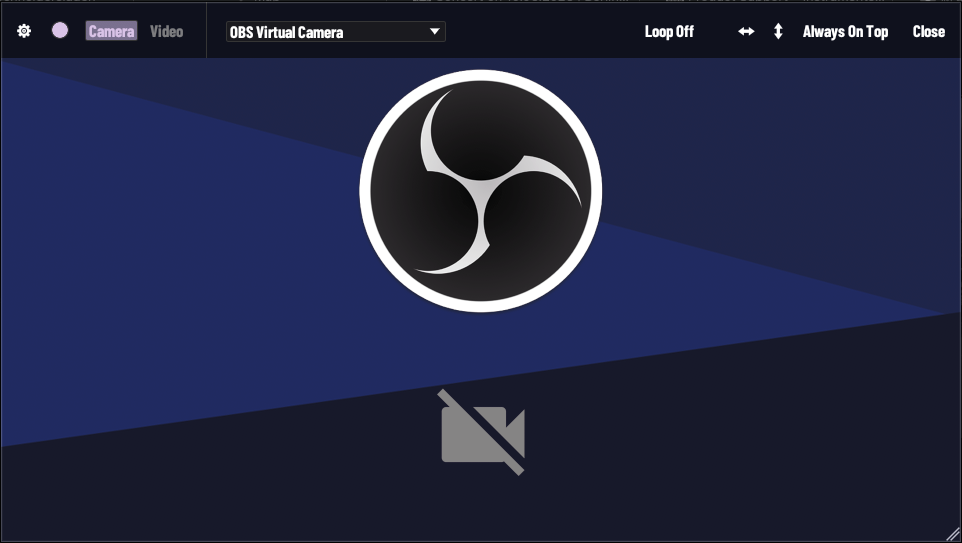
MADO 是 macOS 的無邊框影像/影片預覽工具。視窗沒有標題列與邊框,畫面就是內容本身,適合疊在其他軟體上方當參考影像、即時 webcam 監看或現場演出投影。
下載 — macOS / Windows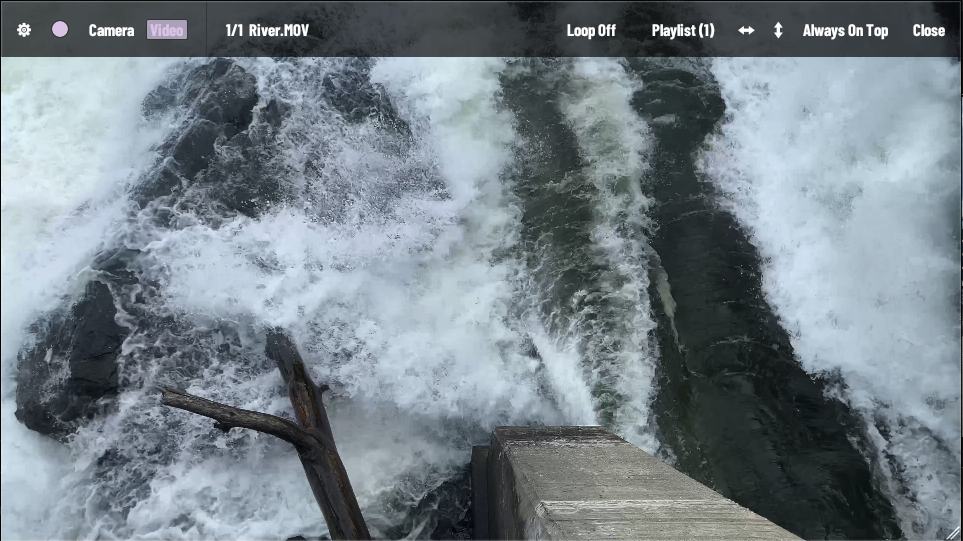
特色一覽
- 無邊框視窗:全畫面拖曳移動、雙擊全螢幕、右下角拖曳縮放、永遠置頂
- Webcam 即時影像來源(AVFoundation,可切換相機裝置)
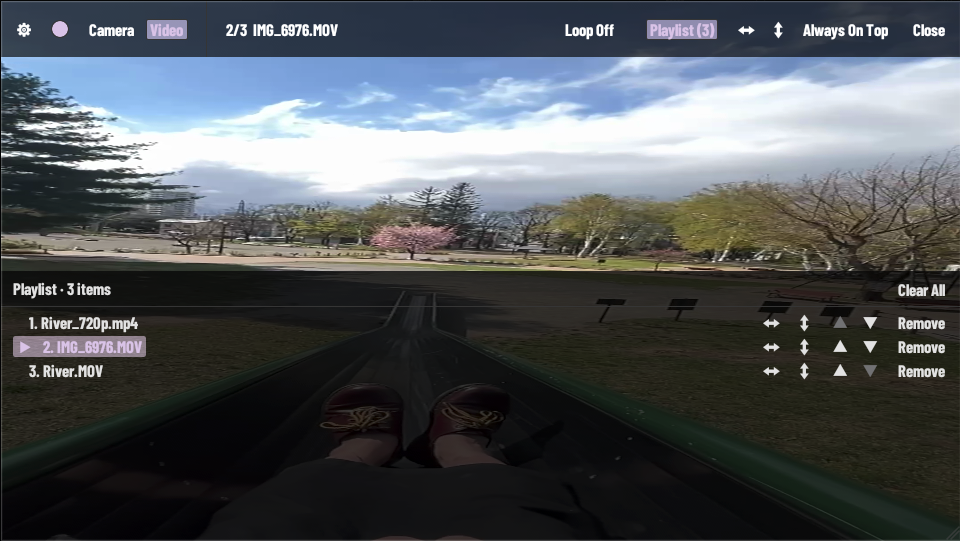
- 拖曳影片檔載入,多檔累加為播放清單(不取代既有項目)
- 播放清單面板:排序、移除、每支獨立翻轉
- 三態循環:播完即停 / 單支循環 / 整個清單循環
- 左右/上下翻轉(UV 反向,每支影片獨立設定)
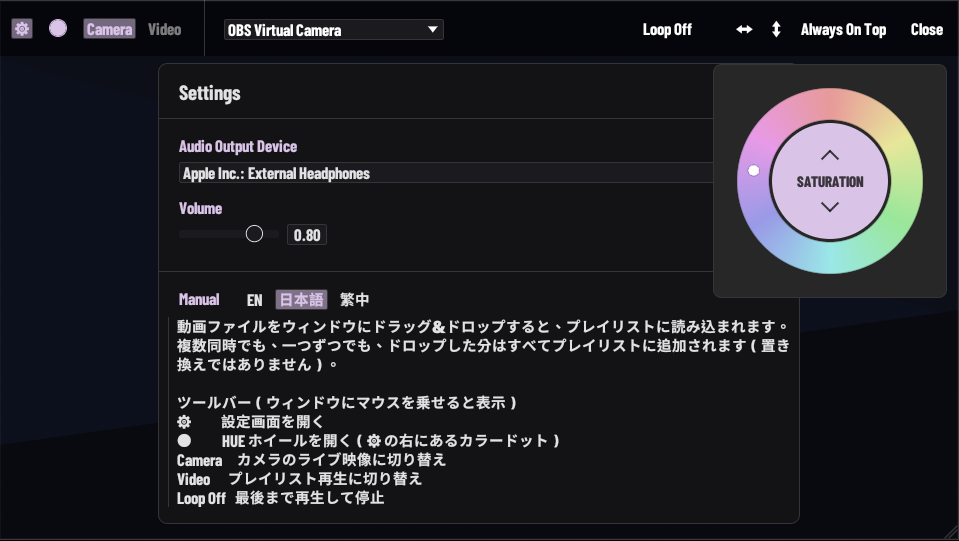
- 音訊輸出裝置選擇與音量(RtAudio 列舉所有 CoreAudio 輸出裝置)
- HUE 色相環:即時調整介面強調色,含 Coral / Mint / Sky / Violet 預設
- 鍵盤控制:全黑遮蓋、暫停/繼續、回到開頭
- 三語介面與說明書(EN / JP / TW)
技術資訊
- 開發語言
- Rust + egui/eframe + wgpu + ffmpeg-next + RtAudio + Python (AVFoundation camera service)
- 平台
- macOS (Apple Silicon / Intel), Windows
- 版本
- v0.2.1
System Requirements
- macOS
- macOS 13.0+
Apple Silicon (M1/M2/M3/M4) recommended, Intel Mac supported
USB / built-in camera for live preview - Windows
- Windows 10+